
Product
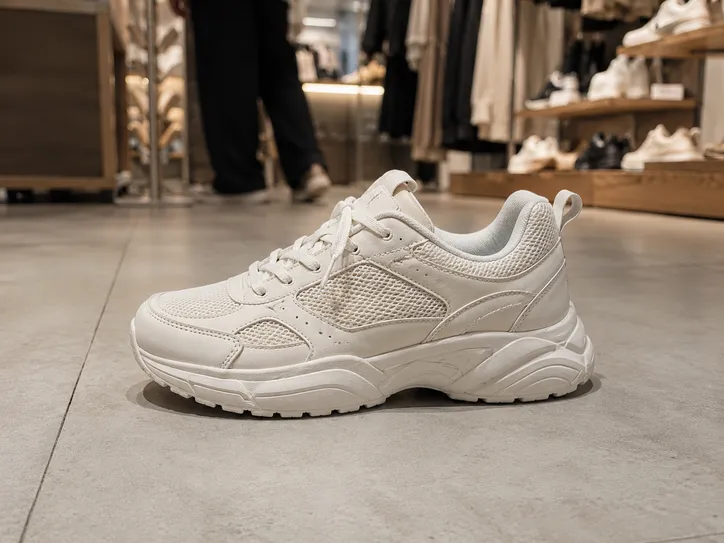
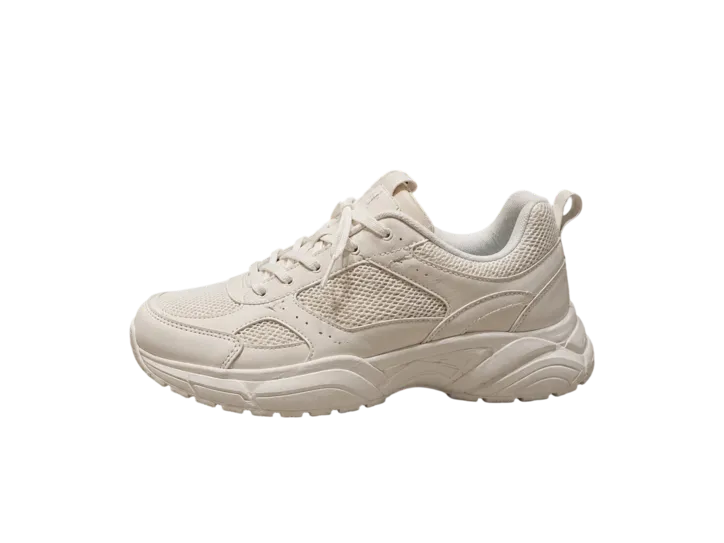
Detect the product in the photo and generate a clean transparent cutout, ready for storefront visuals.
Remove image backgrounds in one click. Supports batch processing for faster output.
Upload images or drag and drop
PNG, JPG, JPEG, WEBP • Multiple images • Max 10MB each • Max size 4096 × 4096 pixels
No images yet? Generate one with our PNG Maker.

Batch Background Remover is an AI tool that removes backgrounds from multiple images at once and exports clean transparent results in a faster workflow.
Remove backgrounds from multiple images together.
Get clean transparent images with sharp edges.
AI detects subjects and removes backgrounds accurately.
Supports PNG, JPG, JPEG, and WEBP.

It is tuned for common cutout use cases, with cleaner edge handling for batch exports, stickers, product images, and remix-ready assets.
Detect the product in the photo and generate a clean transparent cutout, ready for storefront visuals.
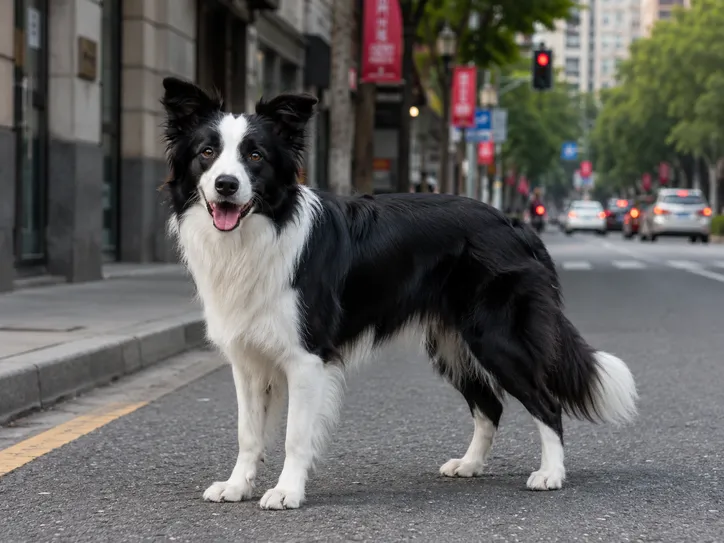
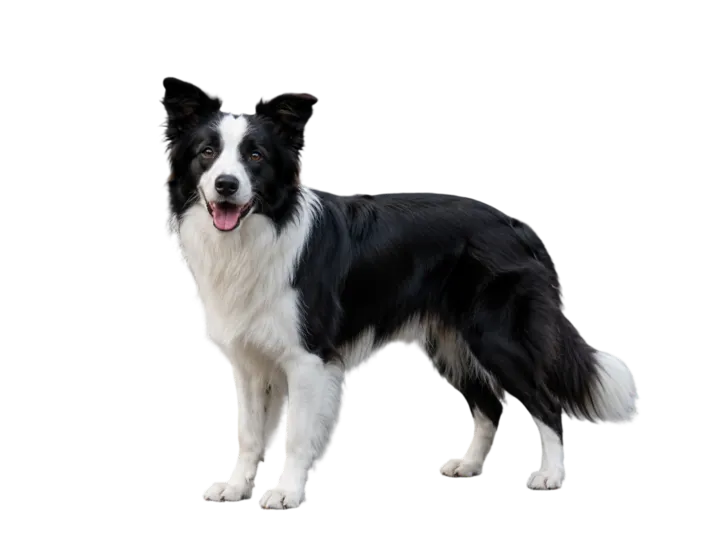
Accurately detect pets in outdoor photos, including finer fur details, so the result works well for cute stickers.
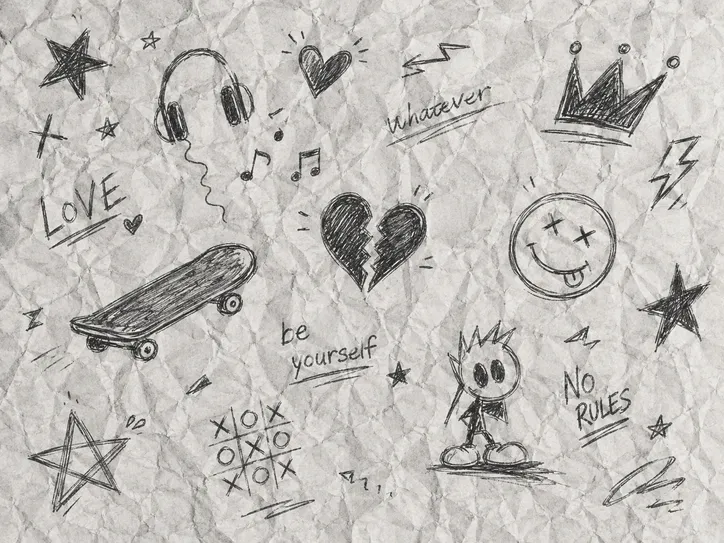
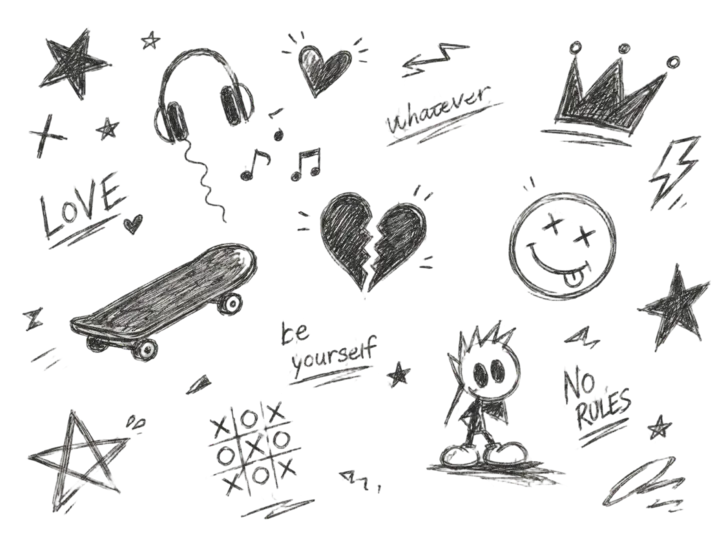
Pick out quick doodles drawn on paper for remixing, sharing, and secondary creative work.
Upload your images, start AI background removal, and download the clean cutouts when they are ready.
Select multiple images or drag them into the upload area to prepare your batch.
Click “Remove Backgrounds” to let AI remove backgrounds from all selected images.
Download your finished transparent images as soon as processing is complete.
Turn clean cutouts into faster product visuals, brand mockups, and campaign-ready scenes.
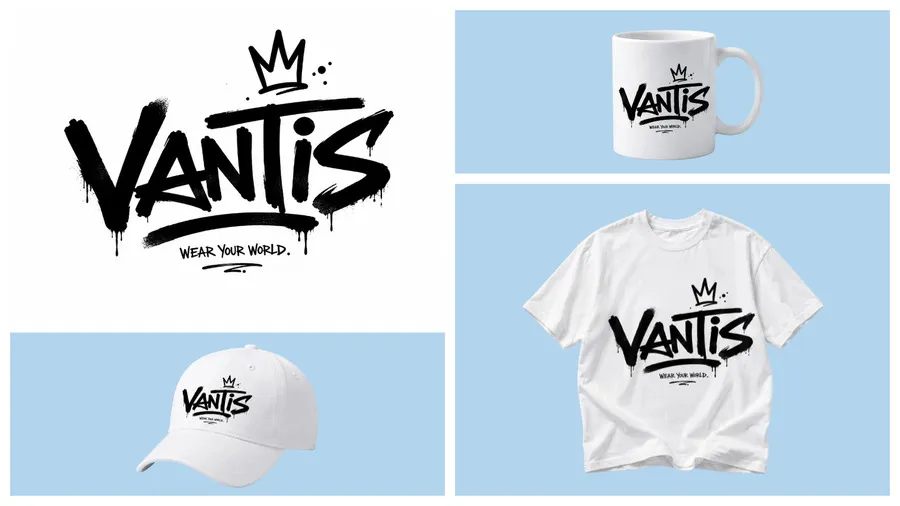
Preview your logo on different products without arranging repeated photo shoots. Test placements, refine proportions, and choose the version that looks strongest before launch.
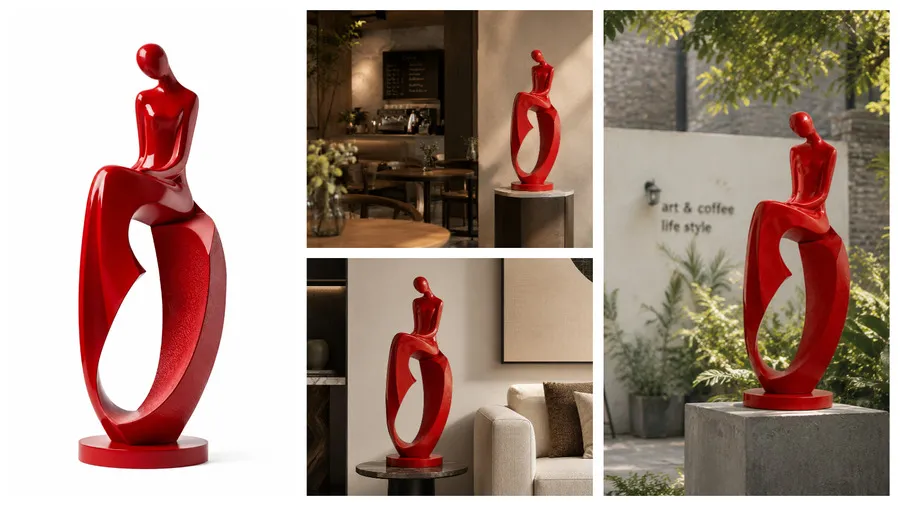
Present your product in realistic scenes that fit online stores and ads. Create polished visuals faster, build buyer confidence, and support stronger conversion performance.

Find quick answers about pricing, image quality, supported formats, batch processing, and data handling for our AI background remover.
Yes. Every PNGMaker user can use batch background remover for free, with daily usage limits based on plan. If you need more removals, upgrading unlocks a higher daily quota.
No. Our AI detects the subject edge with precision and removes the background while preserving the original image quality, so your final cutout stays clean and sharp.
It supports most common image sizes, and the largest supported resolution is 4096 by 4096 pixels. Images above that long edge limit are rejected before upload.
You can upload PNG, JPG, JPEG, and WEBP images. These are the supported formats for background removal, whether you upload one file or a larger batch.
Yes. Background remover supports batch processing and can handle multiple images at once. That means less waiting and a faster workflow when you need many cutouts.
It is trained for a wide range of scenes and can detect tricky subject boundaries in textured backgrounds, including products, props, and people with more precise edge cleanup.
Yes. After processing, we regularly clear your original uploads. Your generated results are only visible to you, helping keep your background removal workflow private and secure.